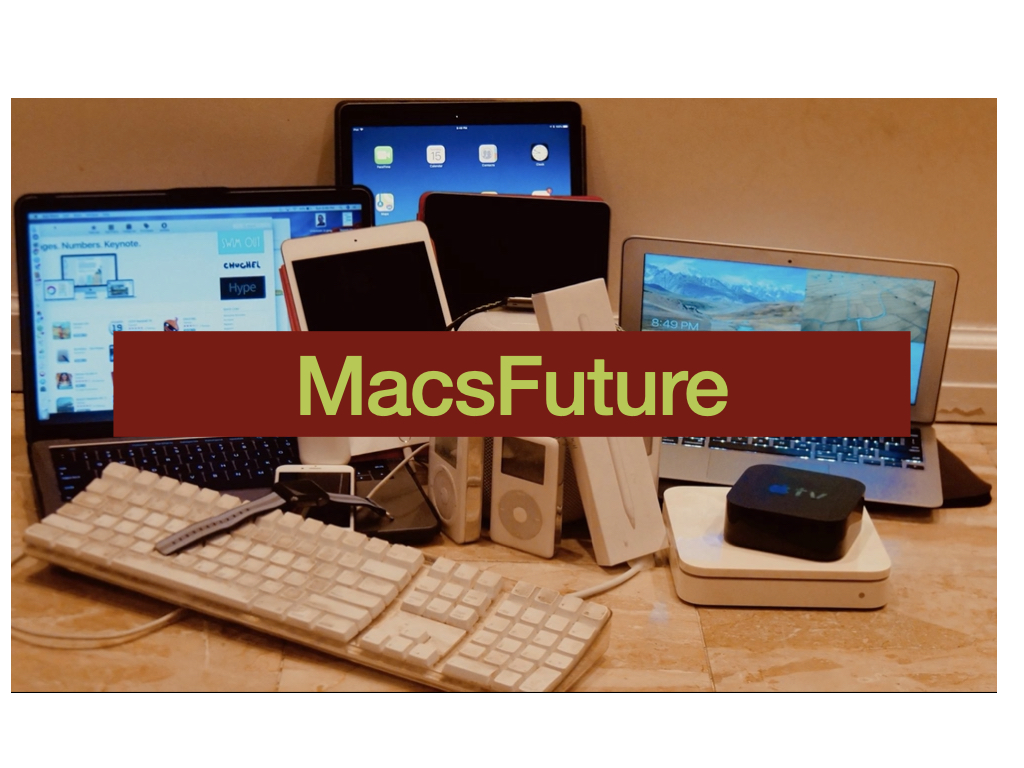
I have been playing around a lot with Siri Shortcuts on the iPhone. Recently I set up two shortcuts to use the SSH script in Siri Shortcuts to wake up my 2010 iMac and to also put it to sleep. It sends a terminal command over the ethernet port to wake up and sleep the Mac. It is really cool. Makes you feel like you are in the future.
Here is the video
Is the the Phone 11 Pro and iPhone 11 A Really Update from Last Year? — Yes!
Apple’s September announcement event is like a holiday for me. It is tech Christmas for me. For many years now, I look forward to September because that is when Apple announces a new iPhone. And many people in the media or my friends always say Apple’s new iPhone isn’t that much better than last year’s iPhone so why should anyone upgrade? But I point out to my friends that Apple’s iPhone is much better upgraded every year. Compare it with PCs. Back in the 1990s, everyone would get excited every year when company’s like Dell, HP, IBM, Compaq, etc would upgrade every year with a better processor from Intel. You would get a more powerful PC. And the processors would be maybe 20% more powerful. But then it leveled off.
But Apple has been killing it every year upgrading the iPhone. Most people don’t understand that. They look at the design and say Apple’s iPhone 11 Pro and iPhone 11 looks just like the iPhone XS or XR from last year. Big deal. But the real magic is the technology in that rectangular slab. With the iPhone 11 Pro and iPhone 11, Apple has updated 4 things that are much better than last year’s phone: 1) the camera, 2) the processors, 3) the battery, and 4) the screen.
The Camera (Cameras)
The cameras are upgraded from last year. The iPhone 11 is the price of the XR (actually a lower price than iPhone XR), but it now has 2 cameras on the back of the iPhone compared to 1 last year. And the iPhone 11 Pro and Pro Max now have 3 cameras on the back compared to 2 on the XS and XS Max.
The front-facing camera now has a 12 mp camera rather than a 7 mp camera. And the front camera now records video in higher data, like 60 frames per second and 4k.
But don’t forget the processors that work with the cameras. I won’t go into the details about the camera processors but the bottom line is they have been greatly updated from the XS and XR iPhones. And those new processors in all the iPhone 11s do things the iPhone XS and XR cannot do.
2 Video Recording at the same time!
Among the things they can do is record videos at the same time from 2 cameras. FILMIC, which has a great professional app in the iPhone for video recording, showed on the stage during Apple’s event that its app will be able to show what all 4 cameras on the iPhone 11 Pro is showing and on the fly you can record 2 of the video streams at the same time. This is a big deal. Before with devices, you could record two videos at the same time but then you would have to sync them. Now the syncing is automatic.
So this will be great for sports and event recording and vlogging. I record my kids playing tennis. But it’s hard to record the entire court. If you go to one end you get the back of one player and the other player is far away. But now you could stand right at the net and record both half’s of the court and show it split-screen.
Similarly, vloggers will love this. They can record them talking and recording where they are and quickly edit the back and forth view or do picture in picture.
Night Mode
The new processors and extra cameras allow the iPhone 11s to take great pictures in low light. Apple calls this tech “Night Mode.” This is what Apple says about it on its site:

Major Upgrade to the screens for the iPhone 11 Pro.
Another major reason to upgrade if you use the phone a lot is that the screens for the iPhone 11 is not much much better. Without going into the technology, the screen can get much brighter than the iPhone XS. Why should you care? You should care because when you are outdoor in the bright sun the screen will be easier to see. Also, whey you watch movies on your iPhone 11 Pro it will look much better.
Battery
Another key reason to upgrade to an iPhone 11 from last year’s phone is the battery. All three iPhone 11s have much better batteries. In particular, the iPhone 11, which is the upgrade from the iPhone XR, now has a battery that lasts 1 hour more from the XR. The iPhone 11 Pro, which is the upgrade from the iPhone XS, has a batter that is 4 hours more than the XS. And the iPhone 11 Pro Max? That phone now lasts 5 hours more than last years iPhone XS Max. If you use your phone a lot during the day, you might want to upgrade alone for the better battery.
Processors and other technology
But another reason to upgrade is the processors. The processors are more powerful, And when they are more powerful, you can do more with them. You can edit videos quicker. You can edit photos quicker.
But it’s not just batteries. Apple has upgraded the wifi technology so you can get faster data from wifi. So if you use your wifi at home or at work to stream video or transfers large files, it will go faster.
But other technology: The A1 chip. Apple added a chip, that makes the iPhone 11 more location-aware. It can be used when you do Airdrop on another phone. One problem now with Airdrop is when there are a lot of iPhones around with Airdrop, you see many iPhones in your Airdrop screen. But now with the A1 chip, if you point your iPhone to the iPhone you want to Airdrop, it will bring that iPhone to the top of the iPhones you see on the screen. But this technology is what Apple is going to use when it comes out to tokens. It will allow your iPhone to quickly find those tokens in the room.
Conclusion
Overall, if you are a heavy iPhone user, it is worth upgrading to the iPhone 11, in particular the iPhone 11 Pro. You get a better camera for taking pictures and video, you get a faster processor for all the work you do, you get a better screen, and you get a much better battery. That alone is worth upgrading.
PSA: Terminal Commands to Customize Your Mac
CultofMac.com website has a nice article here referencing this Github page here maintained by Mathias Bynens that show you all sorts of Terminal Commands on the Mac to customize the Mac. It is a great resource. The Github page is incredibly in-depth. There are all sorts of commands you which allows you to make all sorts of changes to the OSX and Apple programs on the Macintosh. For a power user of the Mac this is an amazing resource.
Here are some that caught my eye as being really useful:
      # Disable hibernation (speeds up entering sleep mode)
        sudo pmset -a hibernatemode 0
      # Set Desktop as the default location for new Finder windows
        # For other paths, use `PfLo` and `file:///full/path/here/`
        defaults write com.apple.finder NewWindowTarget -string "PfDe"
        defaults write com.apple.finder NewWindowTargetPath -string "file://${HOME}/Desktop/"
Check out the CultofMac site and the Github site for more information. Really helpful.
John Gruber: Gate's Biggest Mistake
I don’t think it’s hyperbole to argue that the Mac probably wouldn’t have survived without Office, and possibly without a good version of Office. And in 1997 Apple wouldn’t have survived if the Mac platform hadn’t made a resurgence. Apple’s own iWork suite — Pages, Numbers, Keynote — didn’t ship until 2005. Microsoft Office singlehandedly kept the Mac as a credible platform for classic productivity apps for 8 years.
I disagree with John Gruber that Microsoft Office was key to keeping Apple alive in the late 1990s. Definitely Microsoft investing in Apple having Office programs on the Macintosh helped Apple. But the thing is Microsoft Office, particular Microsoft Word on the Mac sucked compared to Microsoft Office and Microsoft Word on Windows back then. Among other things, if you used Microsoft Word on the Mac and then sent the file to your Windows computer, there were problems with the compatible format. I hardly ever used the Office program on the Mac because I was worried that the Word file would screw up the format when I opened it on Windows.
For decades I have been using Windows at work (for my day job) and at home using a Macintosh. And only in the last 10 years or so has using Microsoft Word on Mac worked well with Microsoft Word on a Windows computer. Back in the late 1990s people who really wanted to use Microsoft Office were definitely getting a Windows computer. No one in enterprise was using a Mac back then if they were mainly using the Microsoft Office. People were getting the Mac because they were enthusiastic about it or because they were working on media, like with video or photos or web etc. For me, I knew that Office sucked on the Mac for many many years. Microsoft Office was so bad on the Mac for so many years that most people wanted to use a virtual computer on their Mac to run Windows and Windows Office. That is how bad Office on the Mac was.
Now the Office Program on the Mac is much better. But I would say that is during the past 10 years. And it is certainly much better on iOS and on the iPad.